GPS simulator links reviewed August 2026

Practice the button pushes before the engine starts

Use manufacturer GPS simulators and carefully selected flight-simulator integrations to rehearse flight-plan entry, Direct-To changes, holds, departures, arrivals, approaches, and display setup without burning fuel or rushing in the cockpit.

A GPS simulator builds interface fluency, but it does not replace the current pilot’s guide, aircraft-specific instruction, or real-world operational judgment.

FSLGPS SIMULATOR
FPLACTIVE ROUTEGPS
  1. KICTDEP
  2. ICTENR
  3. EMPENR
  4. KOJCAPR
DTK 047°DIS 84.2 NM

Procedural practice only — never use simulated data for navigation.

Make the session useful

Train a complete avionics sequence

Random button pushing builds familiarity. A short scenario builds repeatable cockpit skill.

  1. 1

    Confirm the software version

    Check the installed software generation, display configuration, and connected avionics before starting the scenario.

  2. 2

    Set a real objective

    Choose one task such as editing a route, loading a hold, changing an approach, or recovering from a wrong entry.

  3. 3

    Use a realistic clearance

    Enter a route, then introduce an amendment, runway change, vector, alternate, or missed-approach decision.

  4. 4

    Verify every result

    Check the active leg, sequencing, CDI source, annunciations, altitude constraints, and what the autopilot would follow.

Know the limits

A simulator can look right and still behave differently

Manufacturers regularly note that simulator databases, connected-system behavior, aircraft interfaces, and some advanced functions may differ from the installed equipment.

  • Software matters.Original GTN and GTN Xi use separate simulators; installed aircraft software may also differ from the app.
  • Integration matters.Autopilot, transponder, audio panel, engine, weather, traffic, and crossfill behavior may be simulated or unavailable.
  • Data may be old.Never use simulator charts, terrain, procedures, frequencies, obstacles, or navigation data for an actual flight.

Current GPS simulator directory

Find your GPS simulator

We link to the official provider, manufacturer, or app-store page rather than mirroring installers. Compatibility and availability can change, so check the requirements before downloading.

Touchscreen practice

Free tablet GPS simulators

These manufacturer-provided iPad simulators reproduce the software interface so you can practice menus, flight plans, procedures, and common changes away from the airplane.

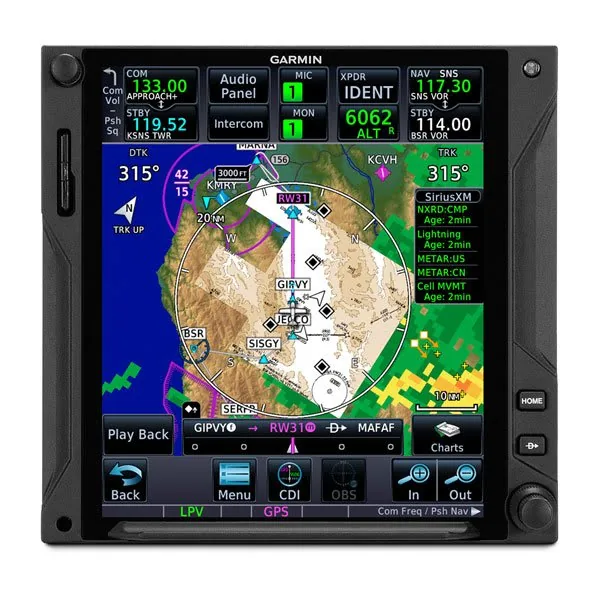
Garmin GTN 750Xi touchscreen flight navigator
GarminFree

Garmin GTN Xi GPS Simulator

Platform
iPad
Supports
GTN 650Xi and GTN 750Xi

Practice the current Xi touchscreen interface, menus, maps, flight planning, procedures, charts, and simulated traffic and weather.

Check before use: The app is not a full aircraft simulator and some integrated functions are limited or unavailable.
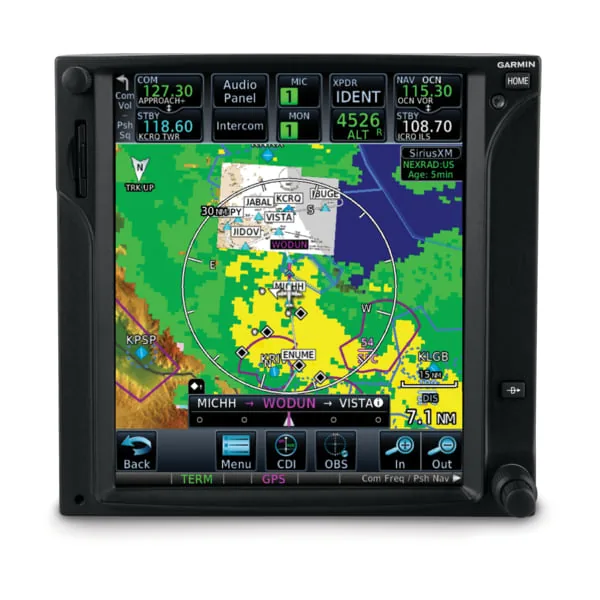
Original Garmin GTN 750 touchscreen flight navigator
GarminFree

Garmin GTN GPS Simulator

Platform
iPad
Supports
Original GTN 650 and GTN 750

Learn the original GTN interface, graphical flight-plan editing, SafeTaxi, charts, weather, traffic, audio-panel, and transponder simulations.

Check before use: Choose this app for original GTN hardware; GTN Xi owners should use the separate Xi simulator.
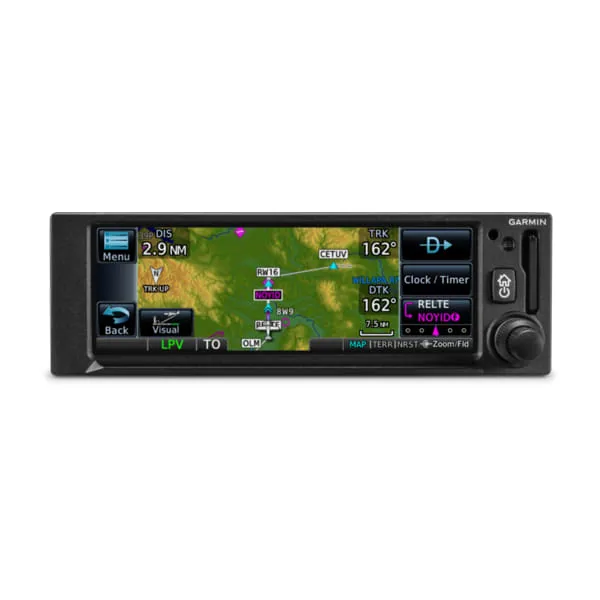
Garmin GPS 175 compact touchscreen flight navigator
GarminFree

Garmin GPS 175/GNC 355/GNX 375 Simulator

Platform
iPad
Supports
GPS 175, GNC 355/355A, and GNX 375

Explore the touchscreen navigator interface, build routes, load procedures, and chair-fly a planned avionics sequence.

Check before use: The simulator uses simulated data and does not connect to or control installed avionics.
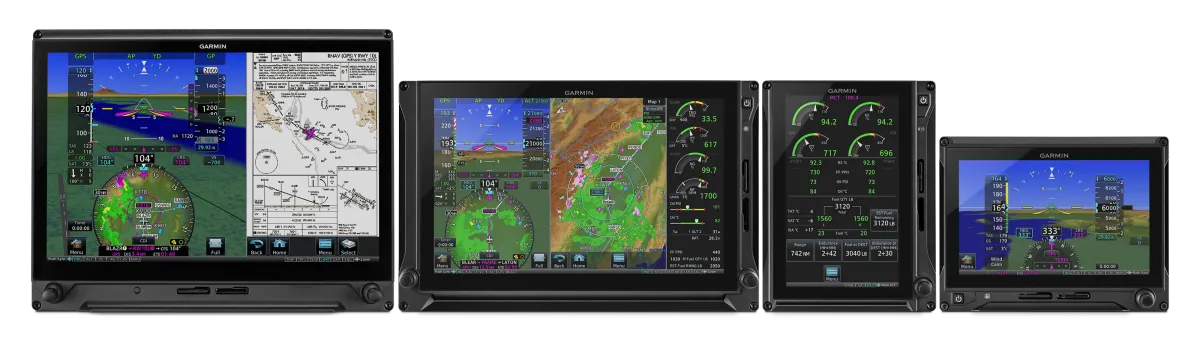
Garmin TXi touchscreen flight display family
GarminFree

Garmin TXi Avionics Simulator

Platform
iPad
Supports
G500 TXi, G600 TXi, and TXi EIS

Practice touchscreen PFD/MFD layouts, HSI map controls, display modes, engine pages, charts, and simulated hazard information.

Check before use: Standalone TXi training cannot reproduce functions that require a connected navigator or other aircraft equipment.
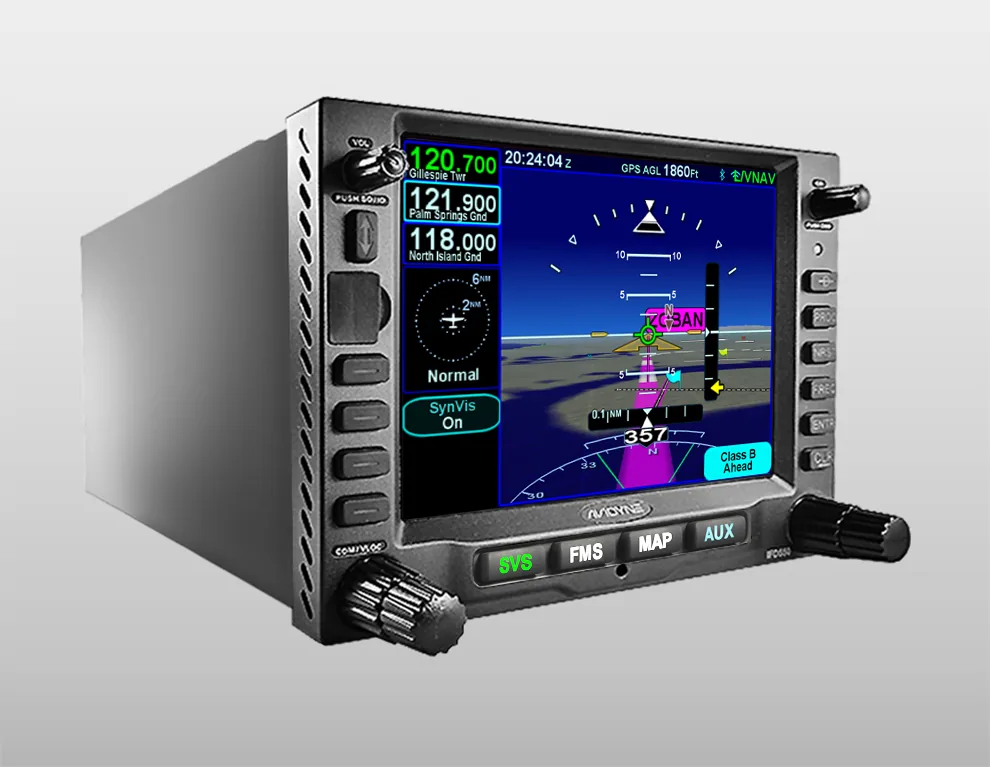
Avidyne IFD550 touchscreen FMS GPS NAV COM unit
AvidyneFree

Avidyne IFD GPS Simulator

Platform
iPad
Supports
IFD410, 440, 510, 540, 545, and 550; BendixKing AeroNav equivalents

Use actual IFD flight code to practice radio tuning, Direct-To navigation, flight-plan editing, holds, approaches, and model-specific layouts.

Check before use: The simulator can pair with IFD100 for a larger home-simulation display; verify the configured IFD software version.

Desktop practice

Windows and legacy PC simulators

Desktop simulators provide a larger workspace and, in some cases, broader avionics integration. Check operating-system and hardware requirements before downloading or purchasing.

Garmin GTN 750Xi touchscreen flight navigator supported by the PC simulator suite
GarminFree

Garmin PC Simulator Suite

Platform
Windows
Supports
GTN, G500/G600 TXi, GDU 620, GPS 175, GNC 355/355A, and GNX 375

Download Garmin’s current launcher and supported GPS simulator packages from one official software collection.

Check before use: Garmin posted launcher version 3.12.1.0 in July 2026; use the launcher rather than an older saved installer.
Garmin GNS 530W GPS NAV COM flight navigator
GarminFree

Garmin GNS 400/500 and GNS 480 Simulators

Platform
Legacy Windows
Supports
GNS 430, GNS 530, GNS 400W/500W family, and GNS 480

Open Garmin’s official legacy simulator hub instead of downloading four duplicate cards for the same 400W/500W package.

Check before use: These simulators are old 32-bit-era software. Compatibility with current Windows versions is not guaranteed.
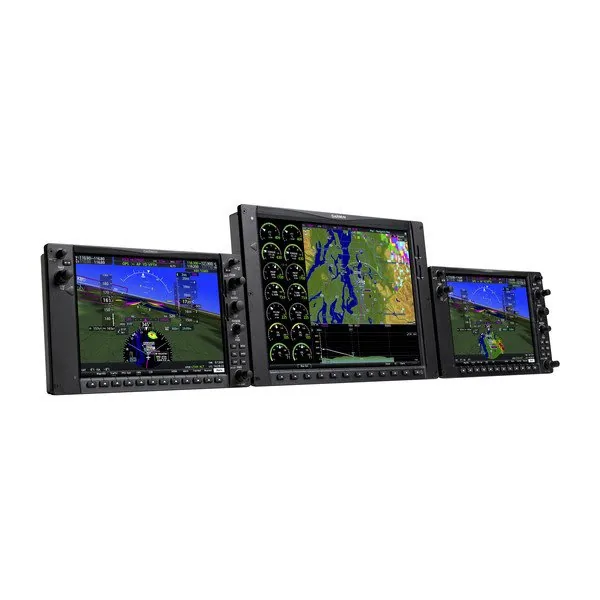
Garmin G1000 NXi integrated flight deck displays
GarminPaid

Garmin G1000 NXi PC Simulators

Platform
Windows 10/11 PC
Supports
Aircraft-specific G1000 NXi and Perspective+ configurations

Choose the aircraft-specific simulator edition for the G1000 NXi configuration you fly.

Check before use: These are procedural avionics simulators, not full-flight simulators; databases and some aircraft-dependent functions may be limited.

Fly the scenario

Flight-simulator avionics and integrations

These tools place a navigator inside a moving flight-simulator scenario. They can make route changes, approaches, missed approaches, and autopilot interaction more realistic, but they are not manufacturer-approved substitutes for aircraft training.

Garmin G1000 NXi integrated flight deck displays represented by the SIMiONIC simulation
SIMiONICPaid apps

SIMiONIC G1000 and G1000 NXi

Platform
iPad + optional flight simulator
Supports
Legacy G1000 and G1000 NXi PFD/MFD displays

Practice G1000 or G1000 NXi operation as a standalone iPad simulator or connect the displays to MSFS, X-Plane, Prepar3D, FSX, or Infinite Flight using the supported bridge.

Check before use: This is an independent recreation that is not provided or endorsed by Garmin. Confirm which legacy or NXi app and bridge your setup requires.
Garmin GTN 750Xi touchscreen navigator represented by the TDS simulation
TDS Sim SoftwarePaid

TDS GTNXi for MSFS and X-Plane

Platform
Windows + MSFS 2020/2024 or X-Plane 11/12
Supports
GTN 650Xi and GTN 750Xi

Run GTN Xi displays in a separate window or supported virtual cockpit while flying complete routes and procedures in a home simulator.

Check before use: MSFS and X-Plane editions are separate products, and aircraft compatibility varies. The Pro version and current TDS GPS Manager are required for MSFS 2024.
Garmin GTN 750 touchscreen navigator represented by the PMS50 simulation
PMS50Free + Premium

PMS50 GTN 750

Platform
MSFS 2020/2024 on Windows PC
Supports
GTN 650- and GTN 750-style displays

Add an independently developed touchscreen navigator to supported Microsoft Flight Simulator aircraft, with a free base package and optional premium features.

Check before use: PMS50 built this product independently; it does not run Garmin simulator code. Aircraft, platform, and premium-feature compatibility should be checked first.
Garmin GTN 750 touchscreen navigator represented by Reality XP gauges
Reality XPPaid

Reality XP GTN and GNS Gauges

Platform
Windows + X-Plane or Prepar3D/legacy Flight Simulator
Supports
GTN 650/750 and GNS 430W/530W

Integrate GTN or GNS gauges with supported desktop simulators so navigator outputs can drive the virtual aircraft, radios, and autopilot.

Check before use: Check the exact simulator edition and Garmin software-version requirements. Reality XP does not currently list Microsoft Flight Simulator 2020/2024 support.
Garmin G1000 NXi flight deck represented by X-Plane avionics
Laminar ResearchIncluded with paid simulator

X-Plane 12 Included GPS and G1000

Platform
Windows, macOS, or Linux
Supports
X-Plane G430, G530, and G1000

Use X-Plane’s included navigator and glass-panel simulations in complete flights; official operating manuals are available for each modeled unit.

Check before use: Laminar Research describes these as its own interpretations of Garmin equipment. Features and workflows may differ from a particular aircraft installation.
Garmin G1000 NXi flight deck represented by Microsoft Flight Simulator avionics
Microsoft Flight SimulatorIncluded with paid simulator

Microsoft Flight Simulator 2024 Included Avionics

Platform
Windows PC or Xbox
Supports
GNS 430/530, G1000 NXi, G3X, G3000/G5000, and aircraft-dependent systems

Practice flight planning and navigation in aircraft that use Microsoft Flight Simulator 2024’s included Working Title avionics packages.

Check before use: Avionics availability and implementation depend on the selected aircraft, edition, platform, and aircraft developer’s integration.

Extend the session

Connected simulation and compatibility references

Use a connected GPS simulator when you want the navigator to follow a home flight simulator, or start with the manufacturer’s compatibility list when you are unsure which package fits.

Avidyne IFD550 touchscreen navigator represented by the X-Plane simulation
AvidyneFree

Avidyne IFD Simulator for X-Plane

Platform
iPad + X-Plane 11
Supports
Avidyne IFD series

Connect the iPad GPS simulator to X-Plane 11 on the same network to tune frequencies, fly approaches, and practice IFD operation in a moving scenario.

Check before use: This listing specifically supports X-Plane 11; confirm current device and network compatibility before building a training setup around it.
Garmin GTN 750Xi touchscreen flight navigator
Garmin SupportFree

Garmin GPS Simulator Compatibility Guide

Platform
Reference
Supports
Current supported Garmin aviation GPS simulators

Check Garmin’s maintained support matrix for available desktop and iPad simulators before choosing a download.

Check before use: Use this page when the aircraft has a model or software configuration not described in the directory.

Bring it back to the airplane

Finish with the current guide and a qualified instructor

Use the simulator to prepare questions and rehearse procedures. Then compare the workflow with the installed unit, current supplements, approved aircraft documents, and instructor guidance before relying on it in flight.

Check Garmin Compatibility